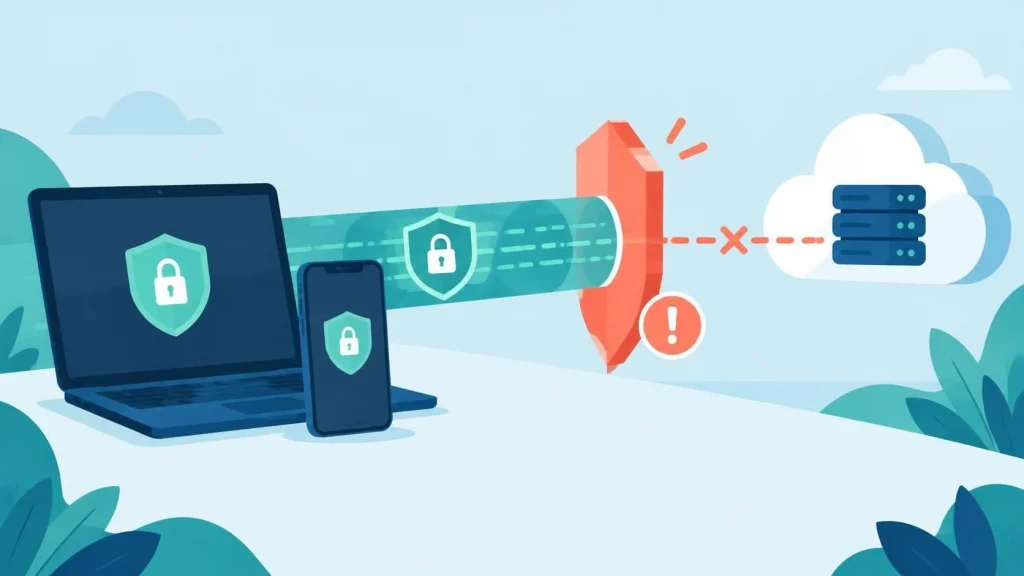
VPN blockers are tools or policy that stops VPN traffic from reaching a website, app, or network, and organizations use them to enforce security rules, meet licensing terms, or keep unapproved tools off company devices. They work by recognizing the traffic patterns, IP addresses, or software signatures that VPNs leave behind.
How VPN Blockers Work
Most VPN blockers on one or more detection methods. Each has strengths and weaknesses, and the most effective systems combine several.
- IP address reputation: Many VPN exit servers use addresses that are publicly listed as belonging to data centers or known VPN providers. A blocker compares incoming addresses against these lists and denies or challenges matching connections.
- Port and protocol inspection: Common VPN protocols use recognizbble ports or traffic patterns. A firewall can block the default ports for OpenVPN, IPsec, or WireGuard, or flag traffic that looks like an encrypted tunnel on an unusual port.
- DNS filtering: Blockers can prevent devices from resolving the domains of VPN apps and services, which stops the software from connecting in the first place.
- Application control: On managed devices, administrators can block the installation or execution of specific VPN clients, often using endpoint management software.
Because a single method can be bypassed, a determined user might switch to an obfuscated VPN protocol or a different server address. This is why blocking is an ongoing cat-and-mouse process rather than a one-time setup.
Why Organizations Block VPNs
Companies often block unauthorized VPNs because they bypass monitoring and data loss prevention controls. An employee tunneling traffic through a personal VPN can send company data past the firewall without the security team seeing it. Blocking unapproved VPNs keeps traffic inside monitored channels.
Streaming platforms and online services block VPNs for a different reason. Licensing agreements restrict content to specific countries, and a VPN that masks a user’s location can violate those terms. Some services also block VPN traffic to reduce fraud, such as fake account creation or payment abuse.
The Trade-Offs of Blocking VPNs
VPN blockers are not free of costs. Overly aggressive rules can lock out legitimate users, such as remote workers who need an approved corporate VPN to reach internal systems. If a company blocks all VPN traffic, it may also disrupt the secure connections that protect employees on public Wi-Fi.
A better approach is to allow approved, managed VPN software while blocking unknown or consumer VPN services. This gives IT teams visibility into remote access without cutting it off entirely. Clear written policies also help, so employees know which tools are permitted and why.
Frequently Asked Questions
Can a website always tell if I am using a VPN? Not always. Many sites can identify known VPN addresses, but a newly launched server or obfuscated connection may pass unnoticed. Detection depends on how up to date the blocker’s lists are.
Is it legal to use a VPN to get around a block? Using a VPN is legal in most countries, but using one to violate a service’s terms of use can lead to account suspension. Rules vary by country, so check local regulations if you have concerns.
How can a company tell if employees are using unapproved VPNs? Security teams can review firewall logs for unusual outbound connections, monitor installed software on managed devices, and watch for traffic on common VPN ports.